Special Topic Case Study
Research & Activity Documentation
Julie Chou
Introduction
Research
This case study documents my research and design process for the Special Topic course, where I explored motion and 3D integration within web experiences. The case study is organized into three main sections corresponding to each module of the course: Module 1 focuses on project direction research, Module 2 covers tool exploration, Module 3 define product topic, design, iteration, and development. Each section includes documentation of key activities, reflections on learnings, and visual assets that illustrate my process and outcomes.
Module 1
Research
In this module, I explored the different project directions available and identified the path that aligns most closely with my career goals. This decision is not only based on personal interest, but also on the type of work I want to create in the future and the direction the industry is moving toward. I see this course as an opportunity to deepen my understanding of motion and 3D integration within web experiences through research, experimentation, and iteration. Using the design thinking and action research methods introduced in the course lectures, this module establishes a clear learning plan. I will test ideas, reflect on outcomes, and adapt based on feedback. The goal is not just to choose a project direction, but to build a focused and purposeful development process that guides my work throughout the term.
Activity 1 | Choosing A Path
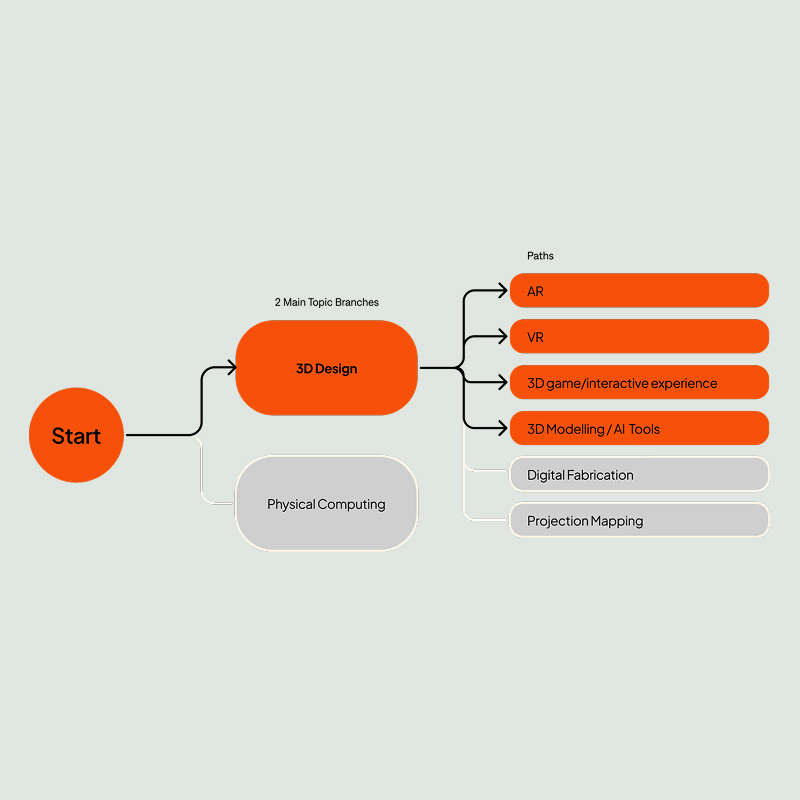
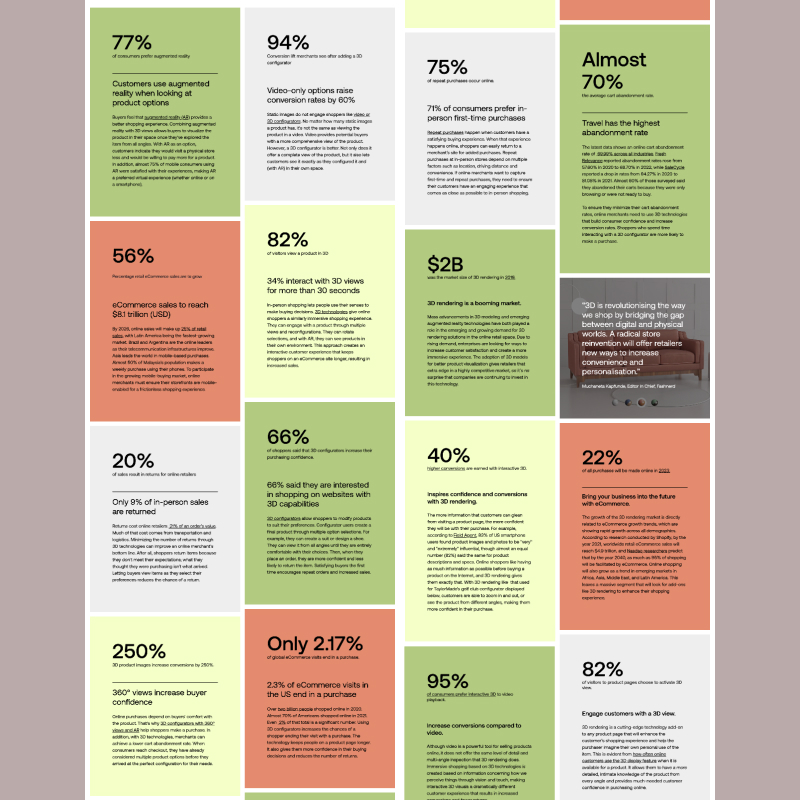
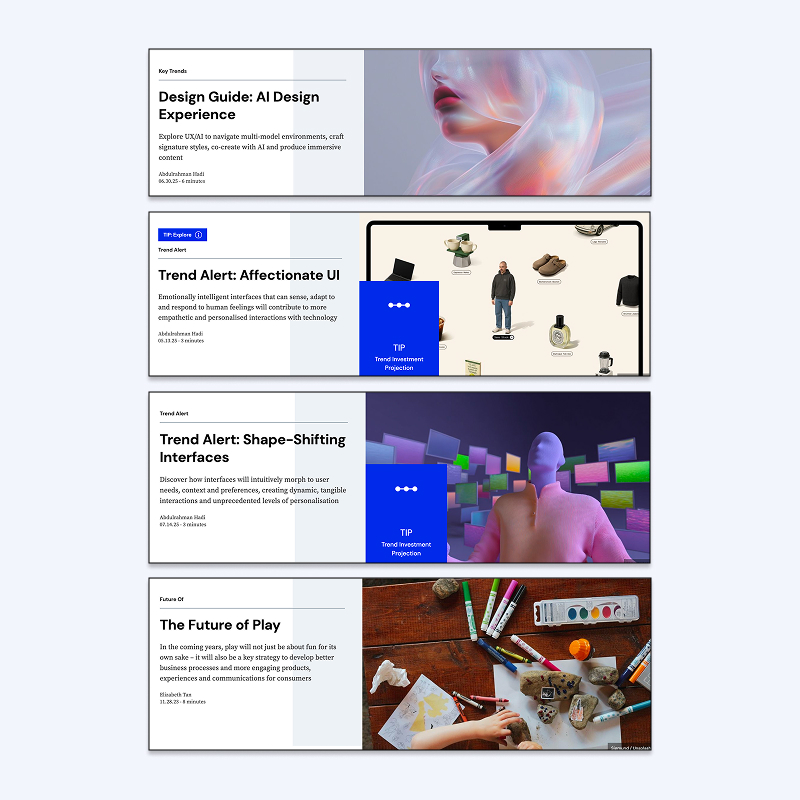
I explored the 3D Design branch by researching different sub-paths, retail challenges, and current industry trends to identify a direction aligned with my career goals. After comparing options and reflecting on their potential, I narrowed my focus to one main path to move forward.
Activity 2 | Choosing A Path
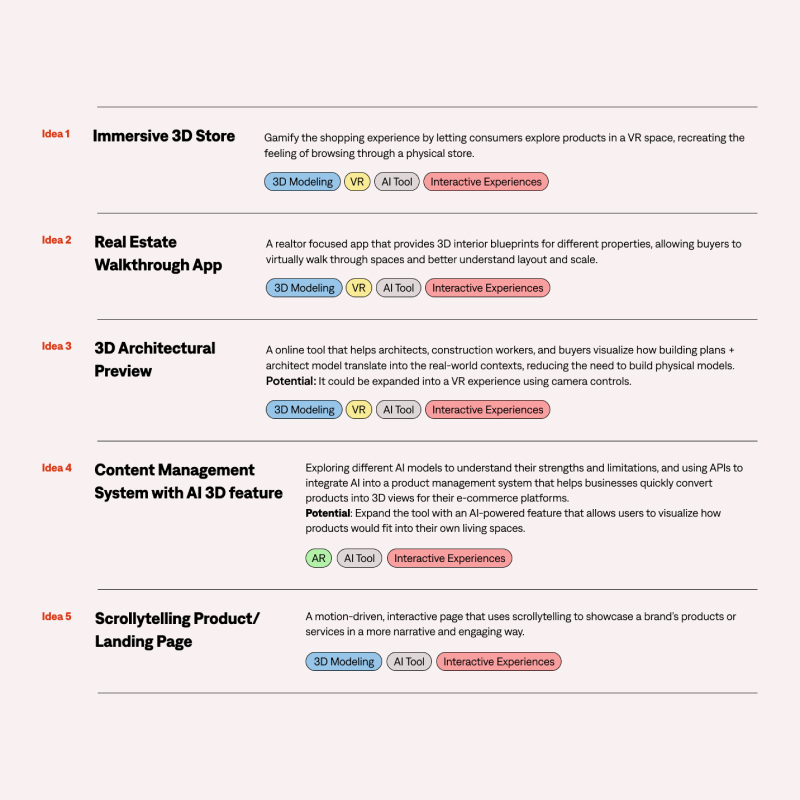
I developed and pitched initial project concepts, gathered peer feedback, and refined my direction based on usability concerns and personal learning goals. I shifted toward a motion-driven scrollytelling website concept that better supports my interest in motion, branding, and interactive web design.
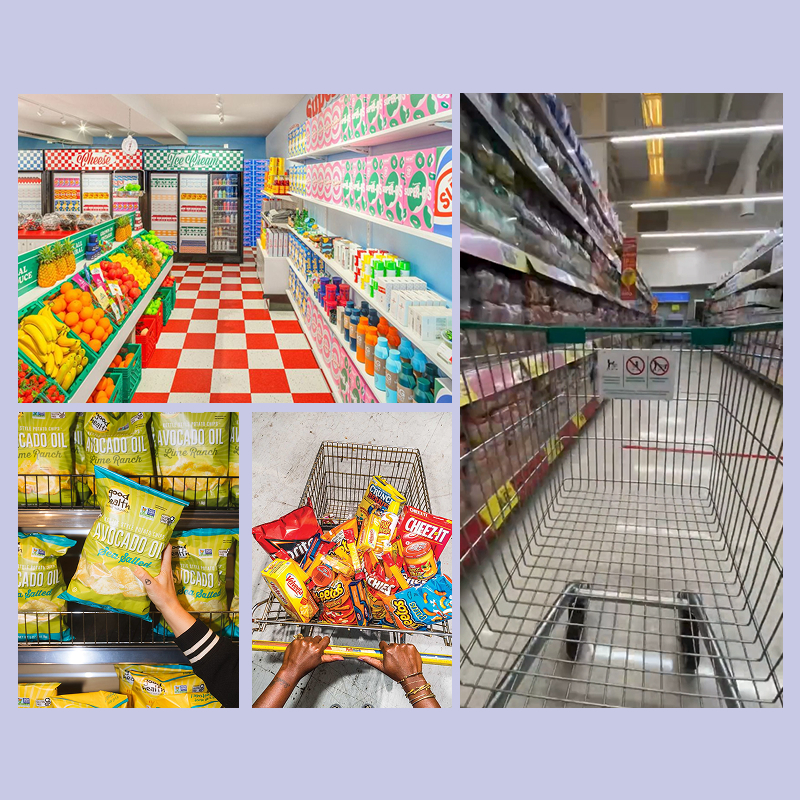
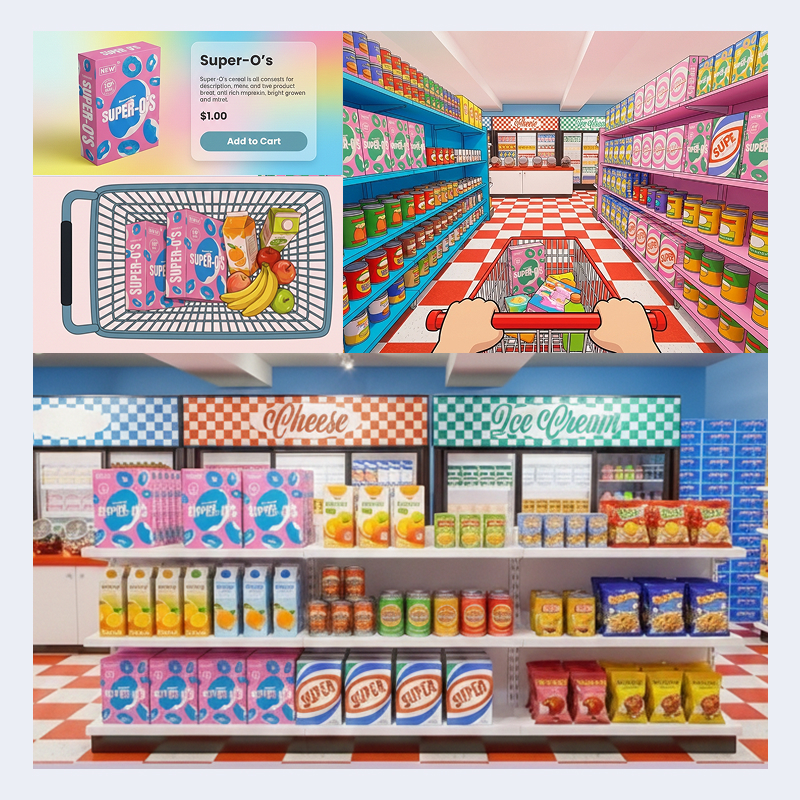
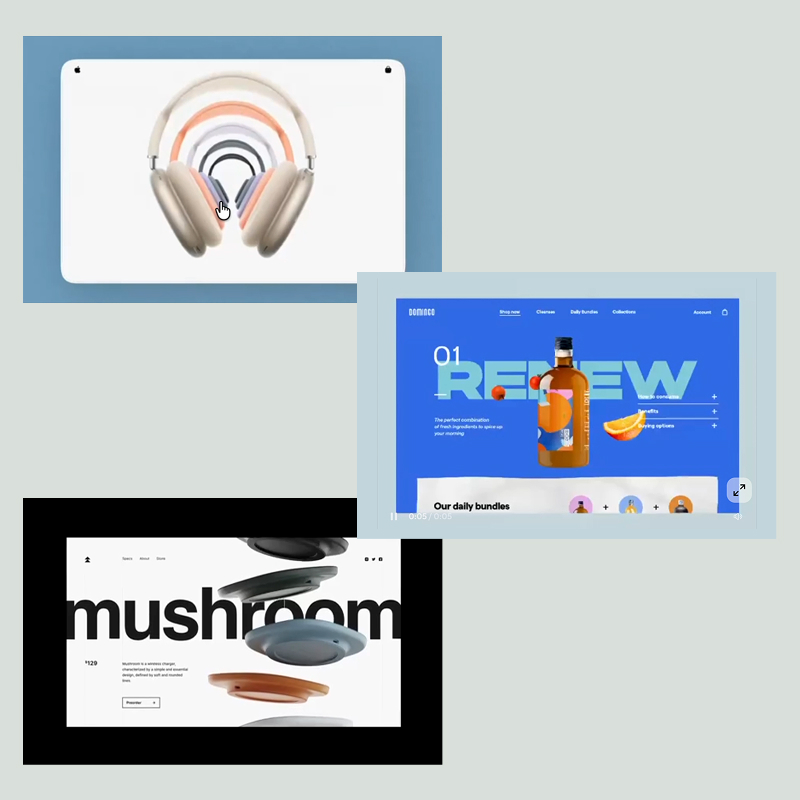
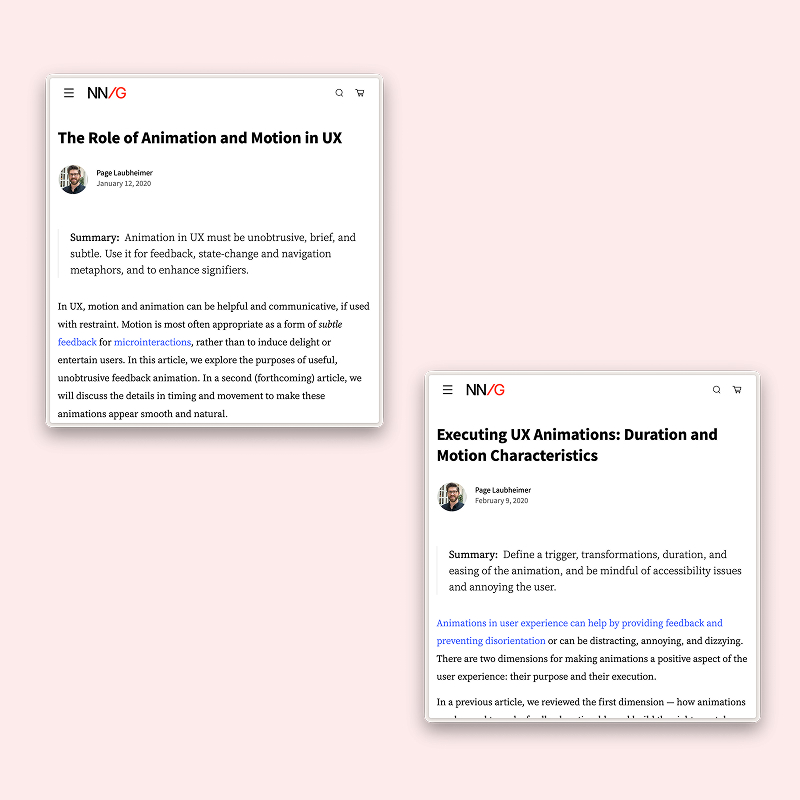
Project 1: Concept
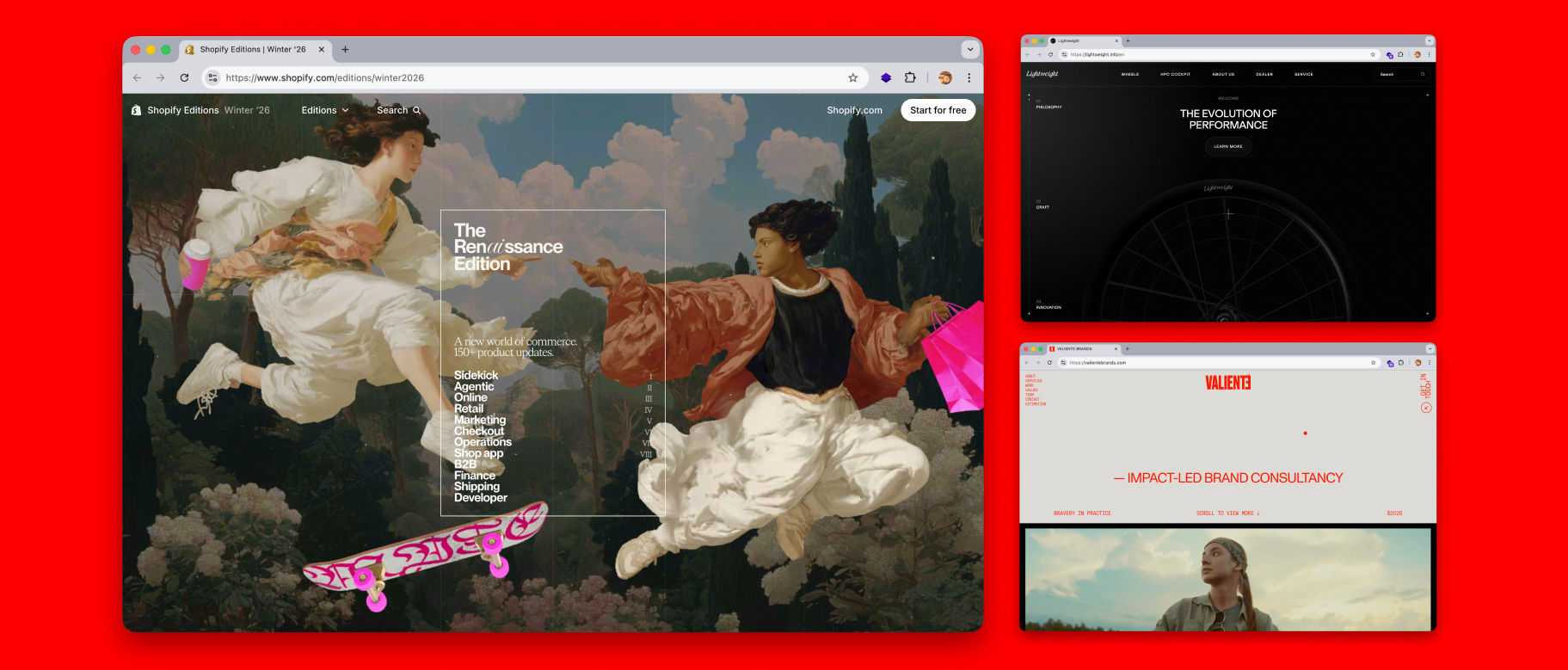
A motion-driven, interactive web page that uses scrollytelling to present a brand’s products or services in a more narrative and engaging way. The final outcome will be a polished website where 3D elements, typography, and animations respond dynamically to users’ scrolling, gradually revealing content to create depth, rhythm, and a cohesive storytelling experience.
Module 2 : Tool Exploration
Research
Having chosen scrollytelling as the project direction coming out of the last module, this phase focuses on exploring how motion and 3D elements can be integrated into a scroll-based web experience to create something engaging and immersive. At this stage, the goal is not to deliver a finished product. Rather, this is an opportunity to experiment with different tools and approaches through hands-on exploration, using the process itself as a guide for learning. By testing early and often, I hope to identify key uncertainties and technical challenges before committing to a defined topic.
Action Research Cycle 1
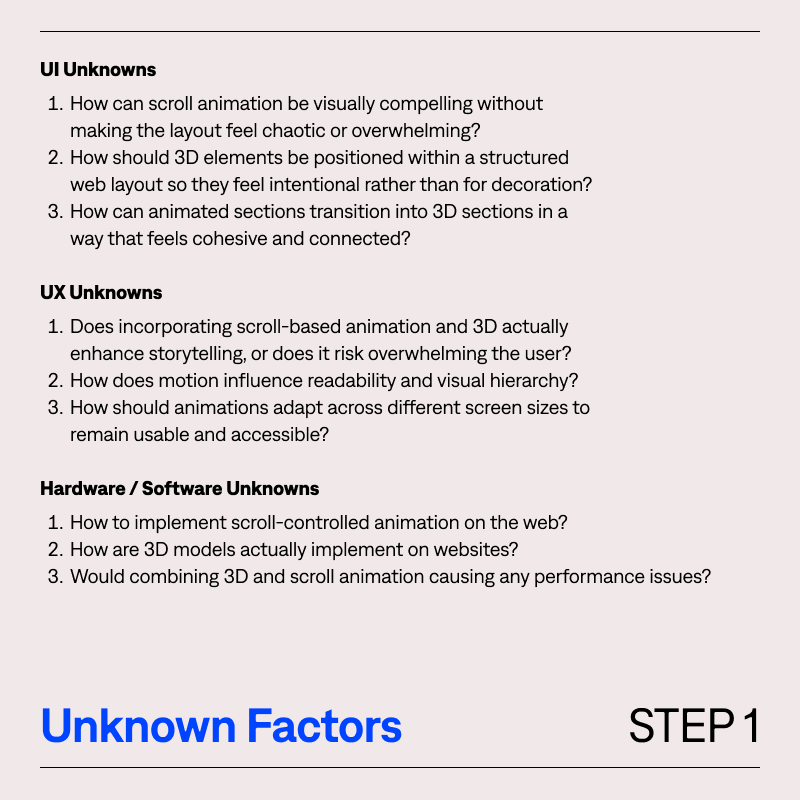
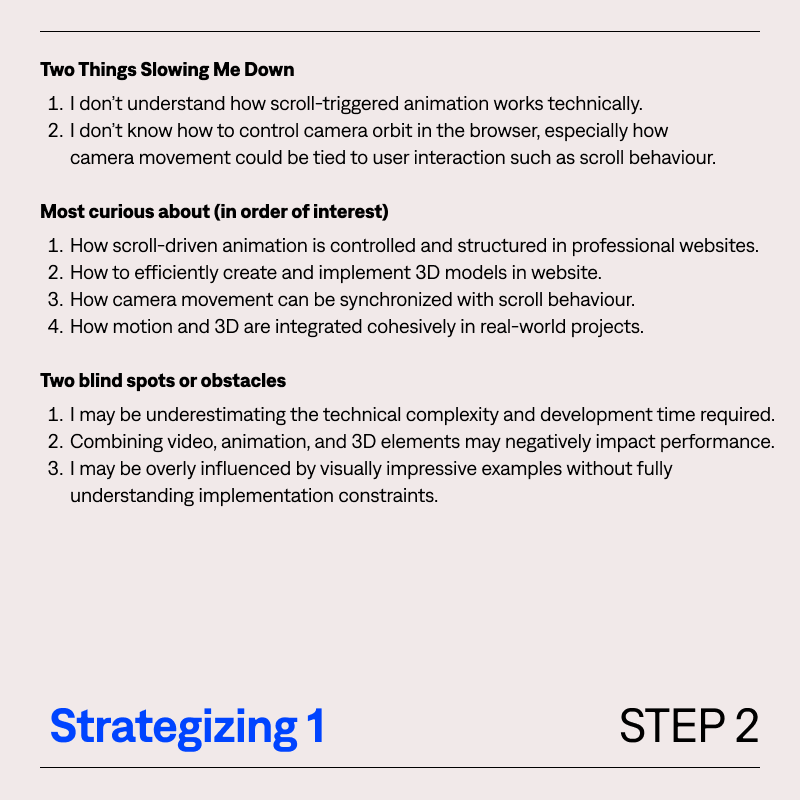
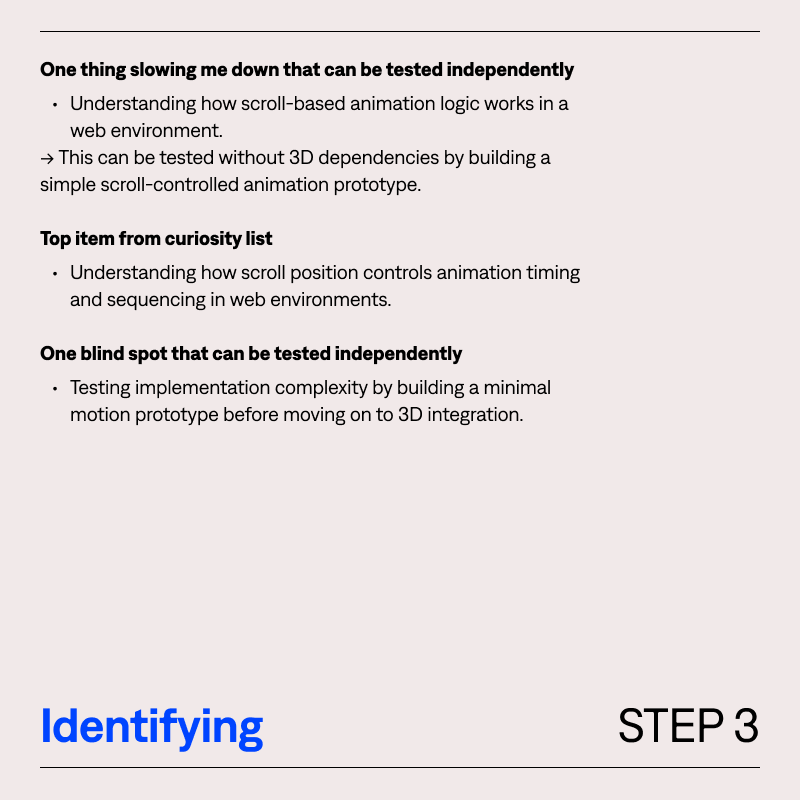
Starting Project 2, I used the Action Research to map out my knowledge gaps and prioritized key objectives. This guides my learning journey in Activity 1.
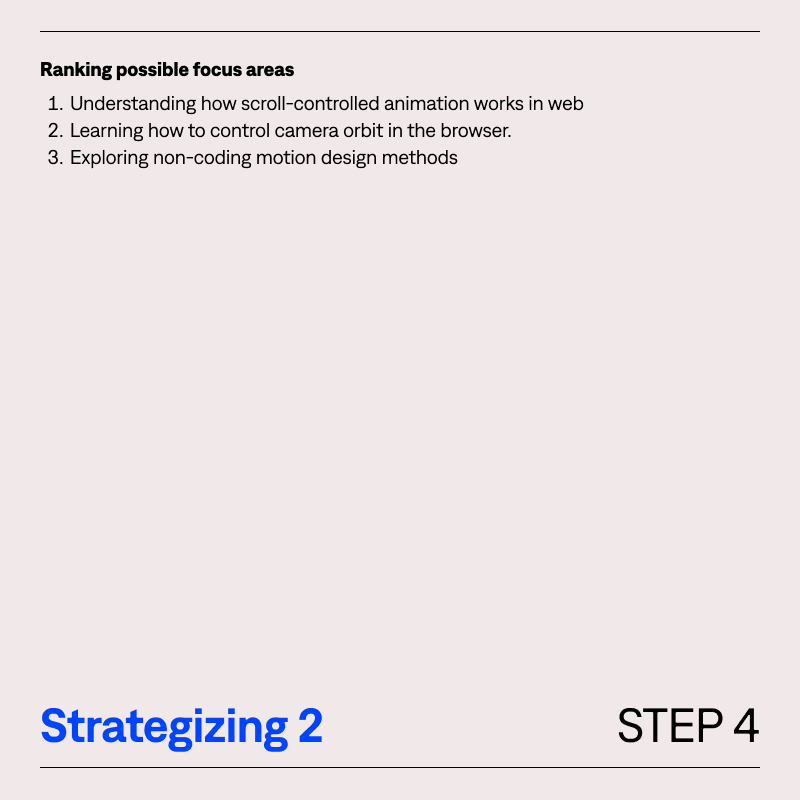
Activity 1 & Action Research Cycle 2
Learning and Exploring with Javascript library and animation tool to learn how scroll-based web experience can
be
created.
Tool: GSAP(Scroll-based and timeline animations), Jitter(Motion and micro-interactions)
Live site demos and github links:
Learning GSAP Foundation | Live Site
Learning GSAP Foundation | Github
Cocktail Branding Site | Live Site
Cocktail Branding Site | GitHub
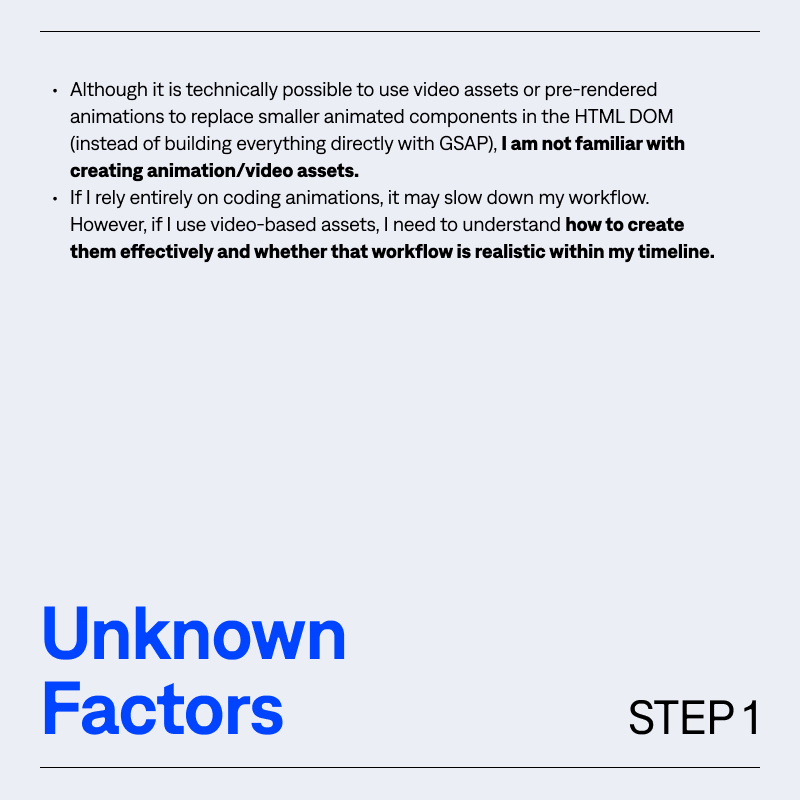
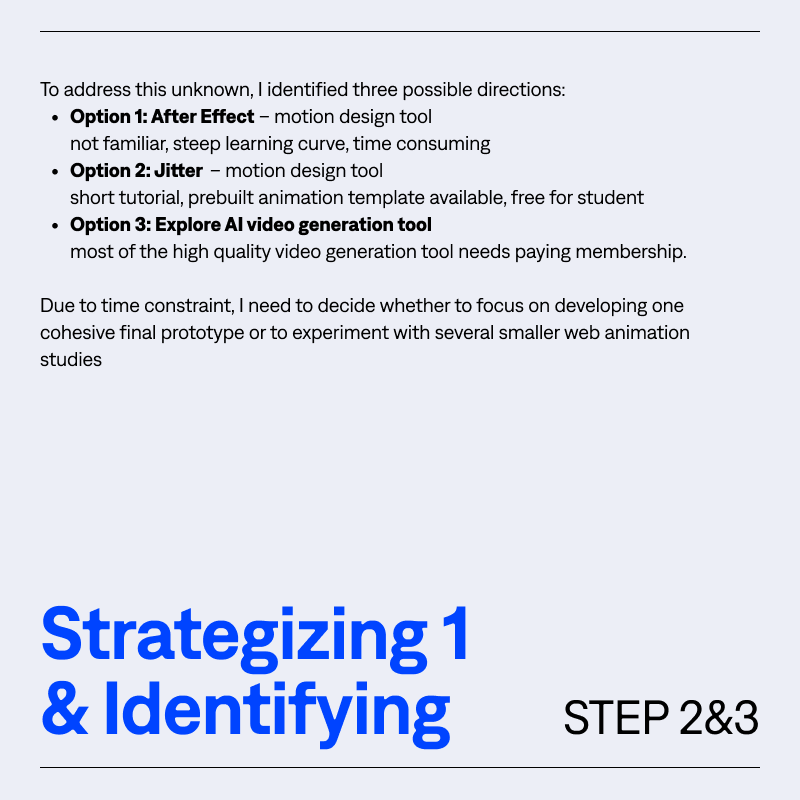
Activity 2
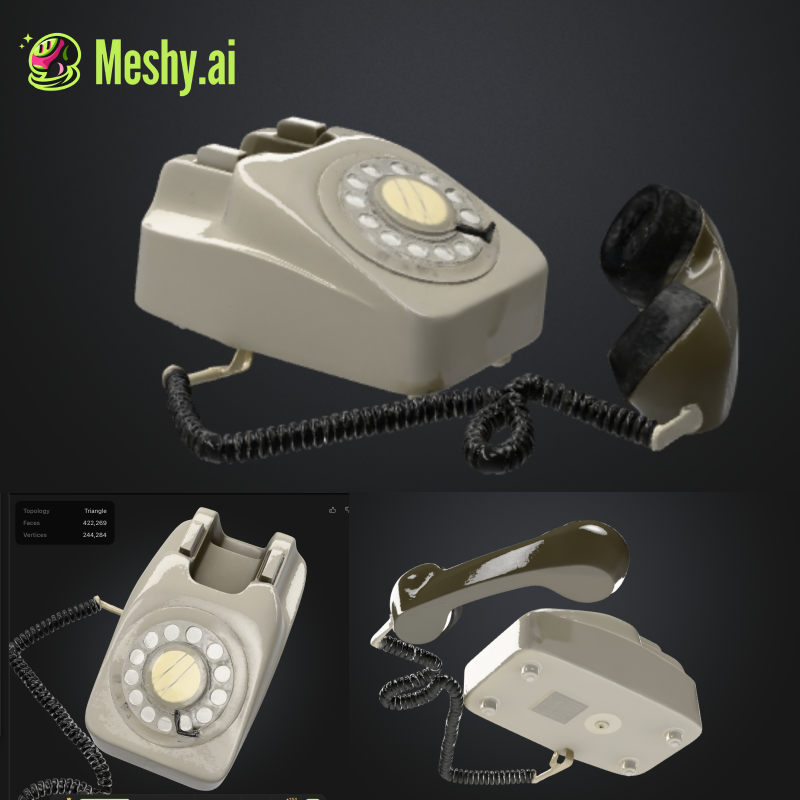
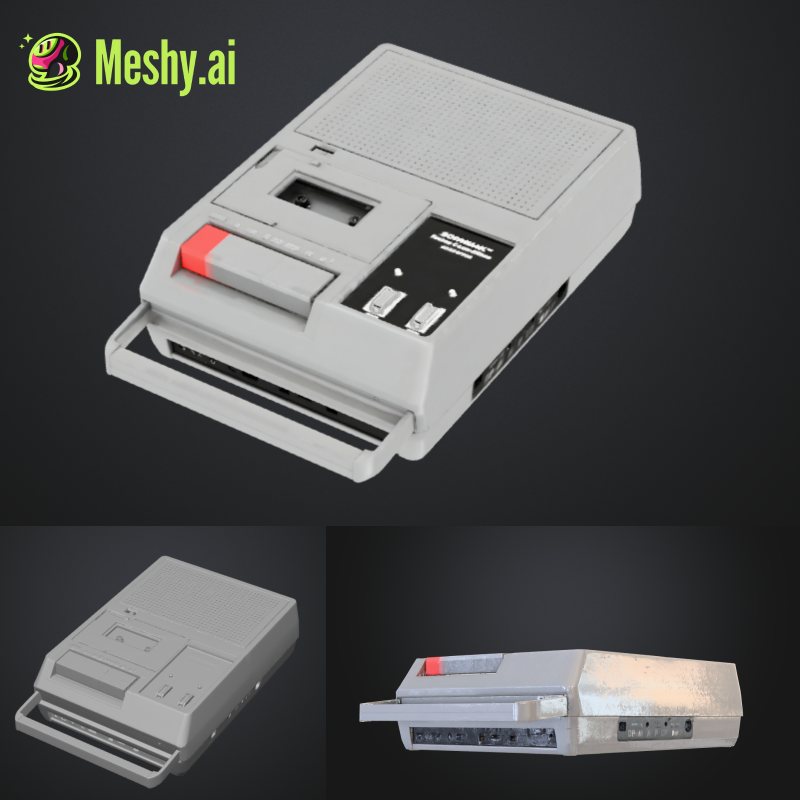
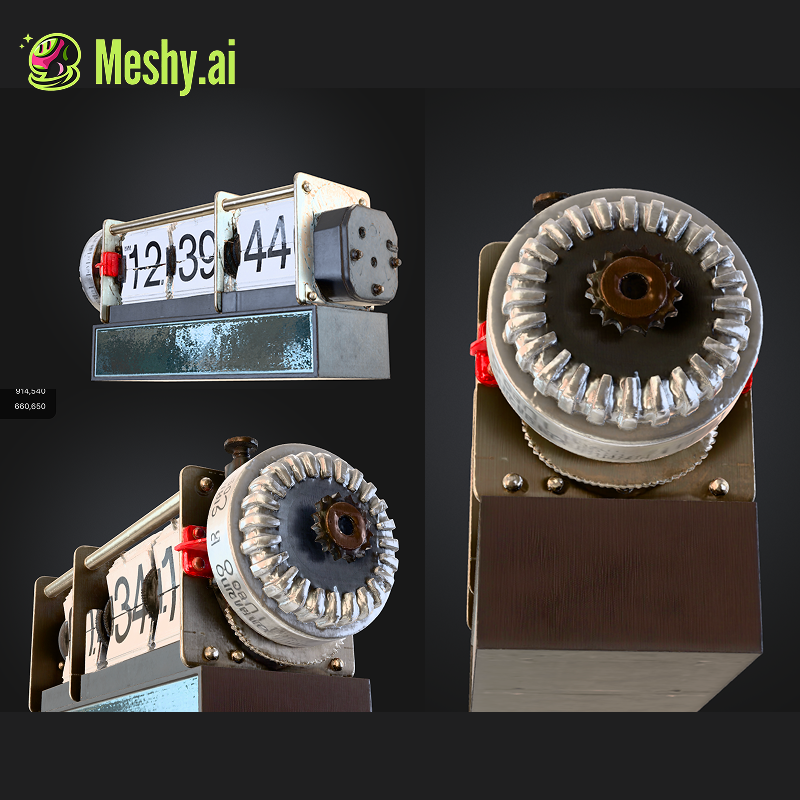
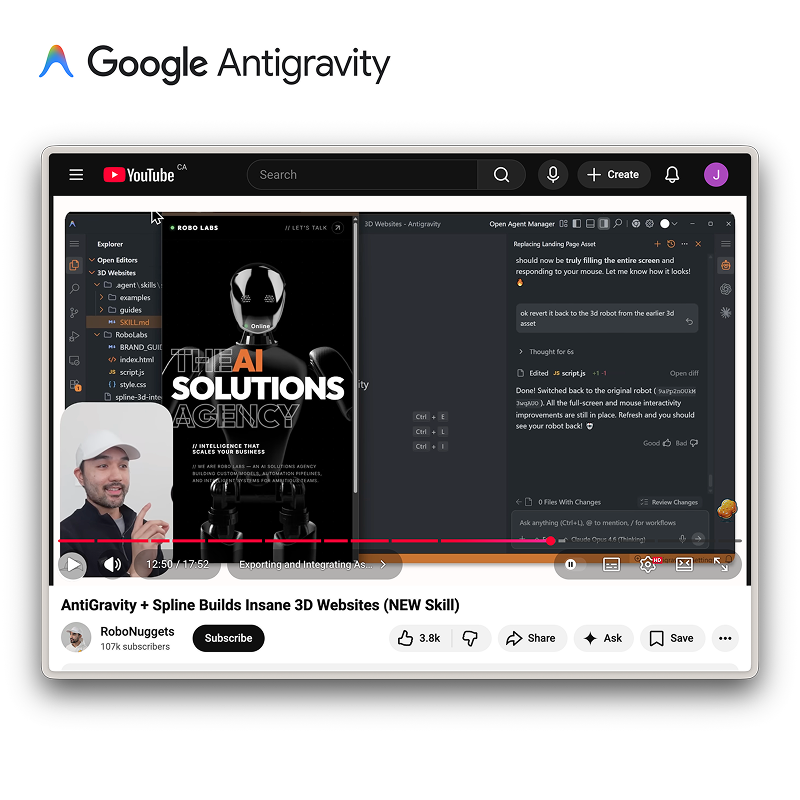
Explore different tool that allows me to create and incorporate 3D elements into web projects efficiently, and building websites that allow users to interact with 3D views through scrolling.
Action Research Cycle 3
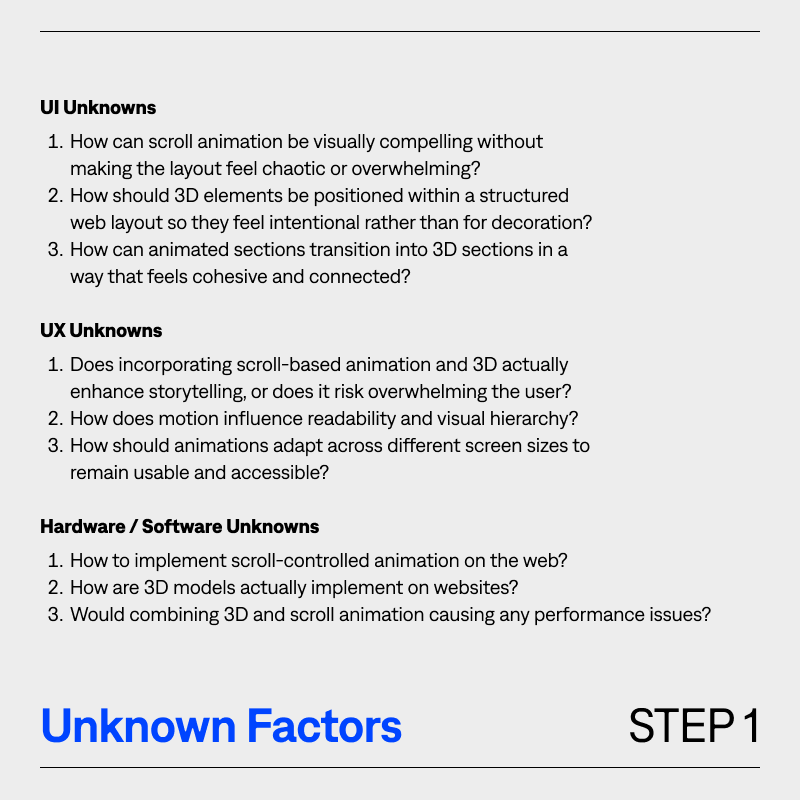
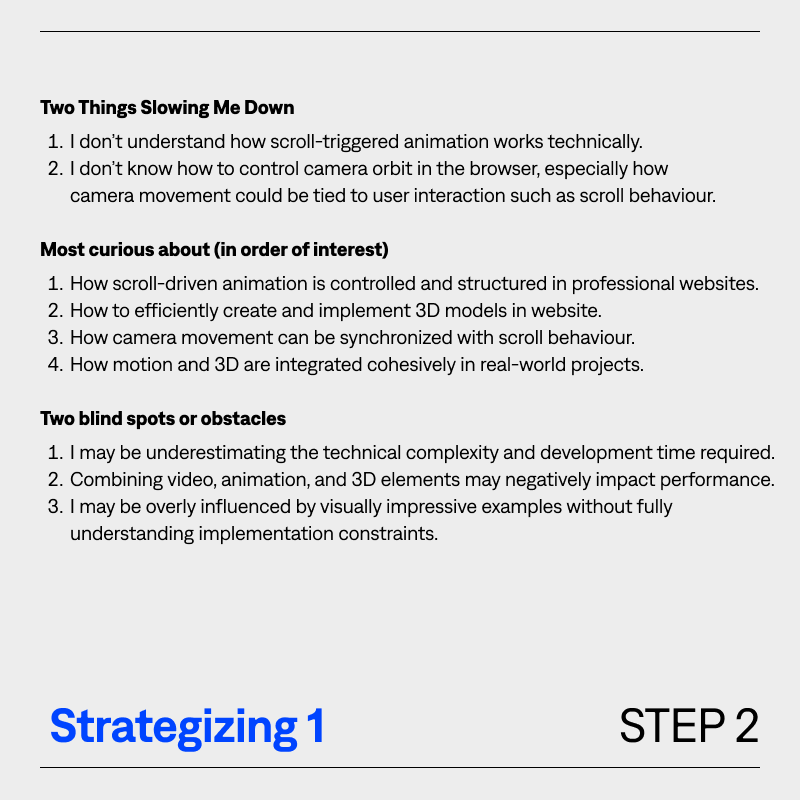
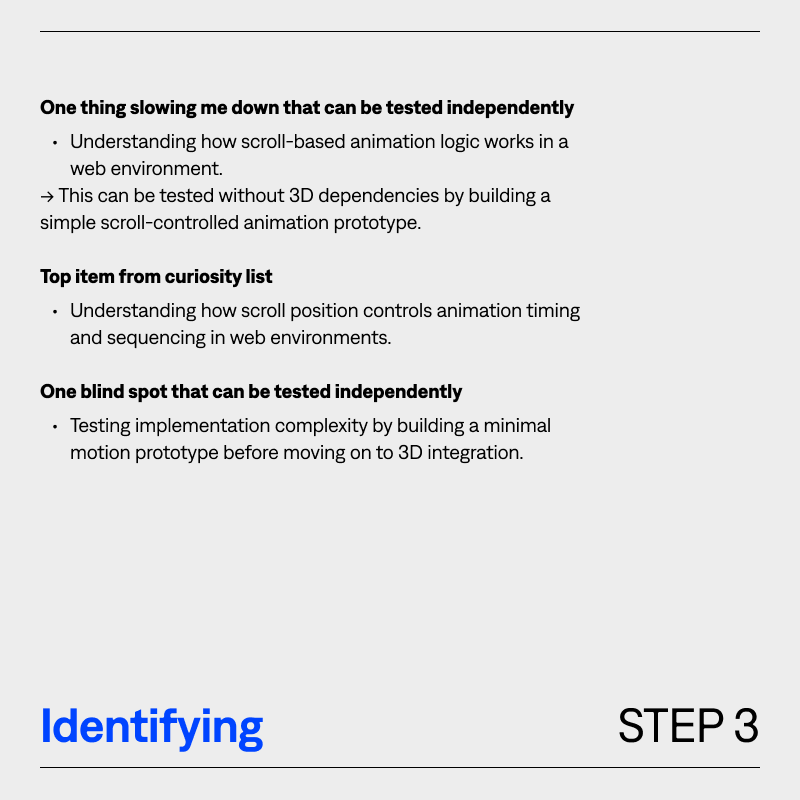
Using the Action Research to identify key learning goals and knowledge gaps related to my current progress, and use it as a guide for my learning journey in project 3.
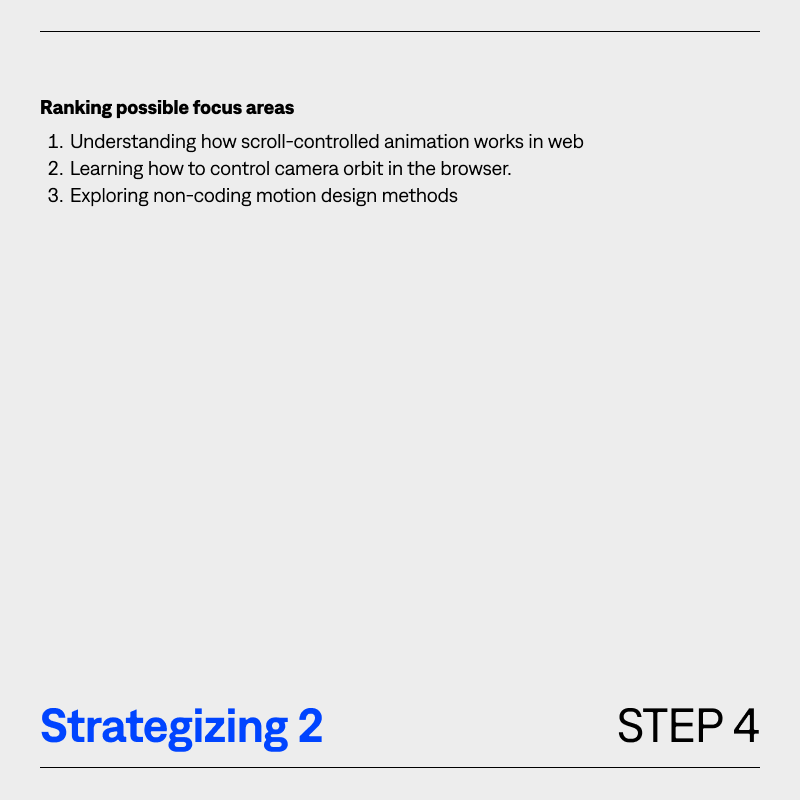
Project2: Prototype & Research
Moving Forward
- Start defining the project topic for the final piece of 3D interactive web experience.
- Design & Develop a 3D interactive web experience that combines motion, interaction, and user interaction
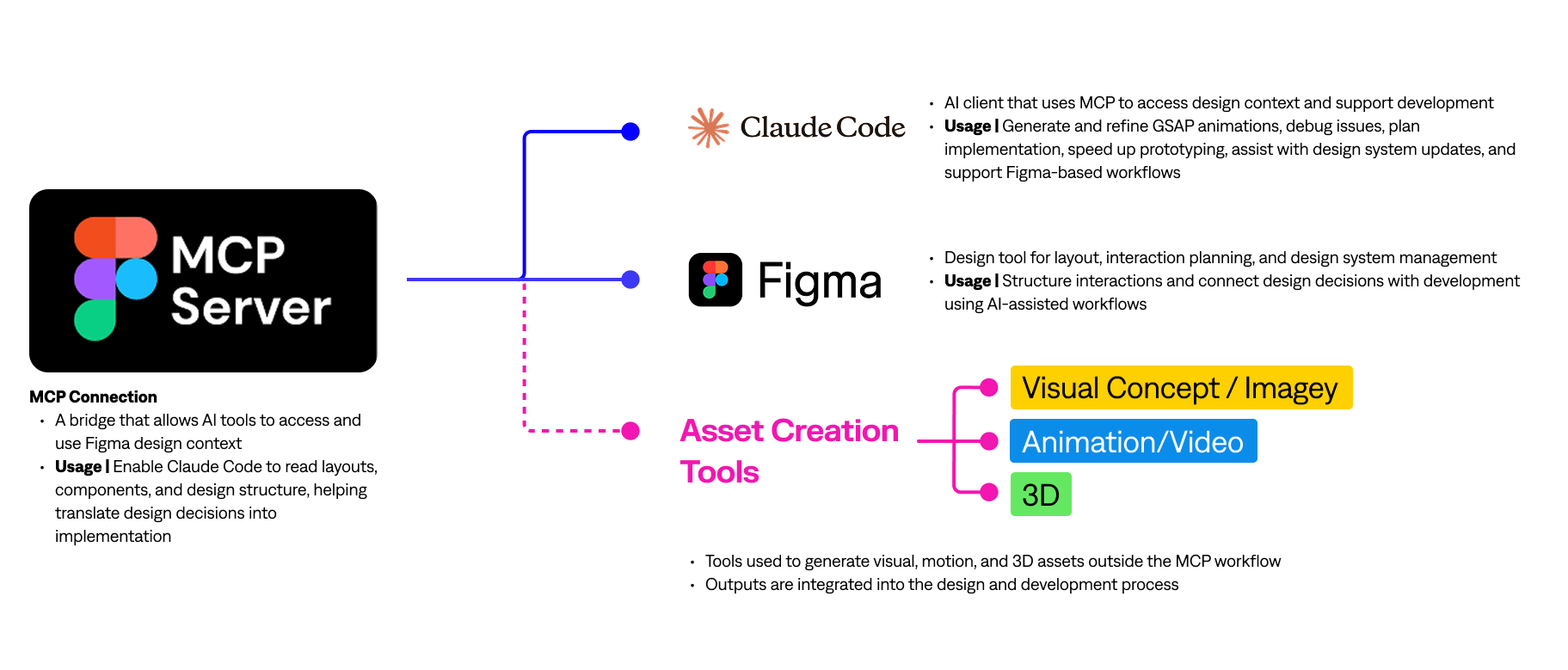
- Incorporate MCP workflow. Focus on building a better understanding of workflow efficiency and real-world project
- For tool selection, exploring and comparing common tools used in the industry for building a more intentional and refined workflow
Module 3
Research
In this module, I explored the different project directions available and identified the path that aligns most closely with my career goals. This decision is not only based on personal interest, but also on the type of work I want to create in the future and the direction the industry is moving toward. I see this course as an opportunity to deepen my understanding of motion and 3D integration within web experiences through research, experimentation, and iteration. Using the design thinking and action research methods introduced in the course lectures, this module establishes a clear learning plan. I will test ideas, reflect on outcomes, and adapt based on feedback. The goal is not just to choose a project direction, but to build a focused and purposeful development process that guides my work throughout the term.
Activity 1
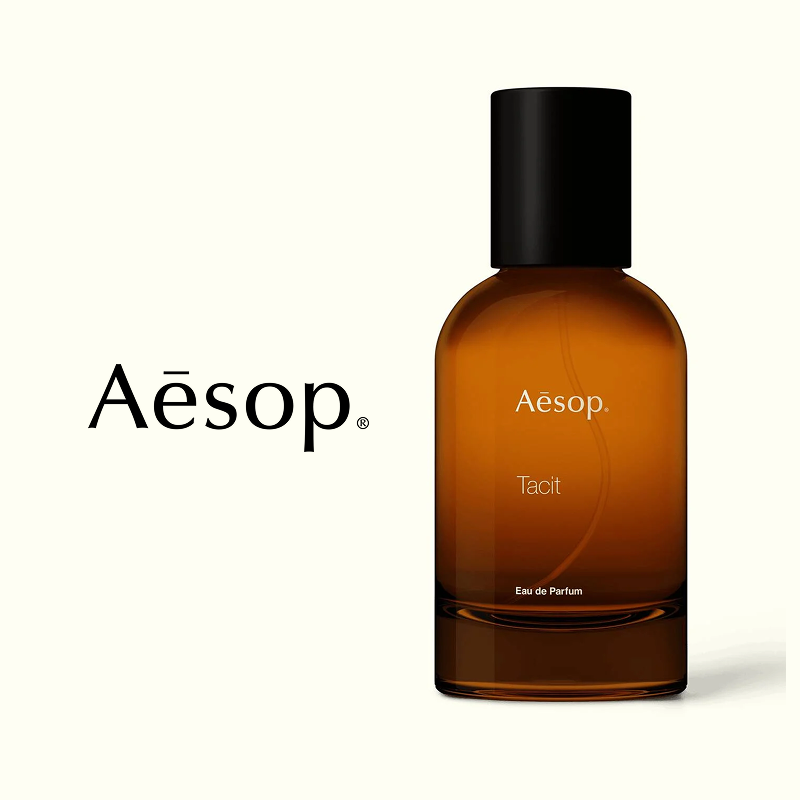
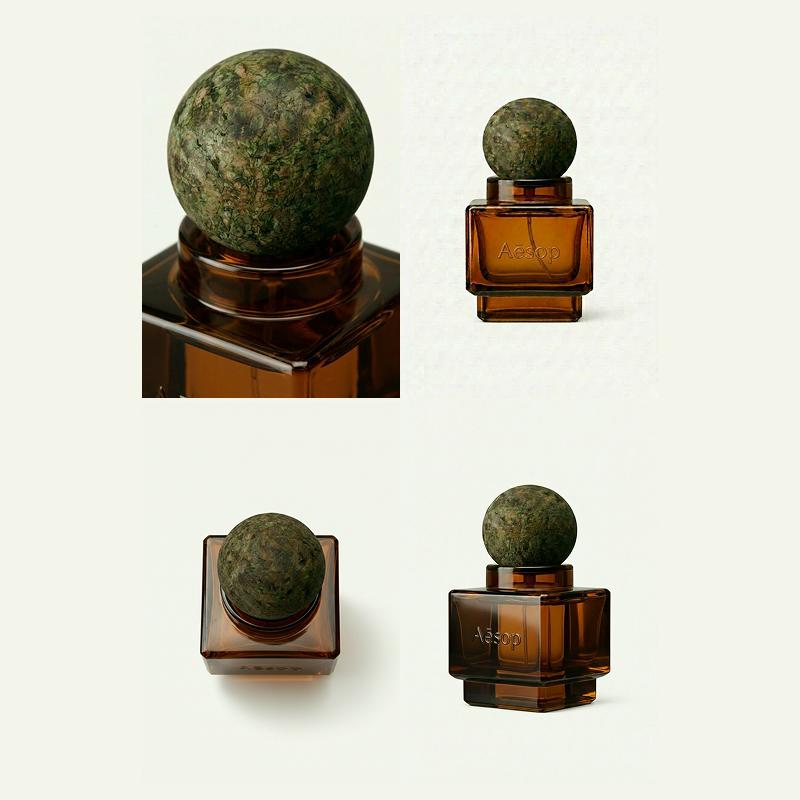
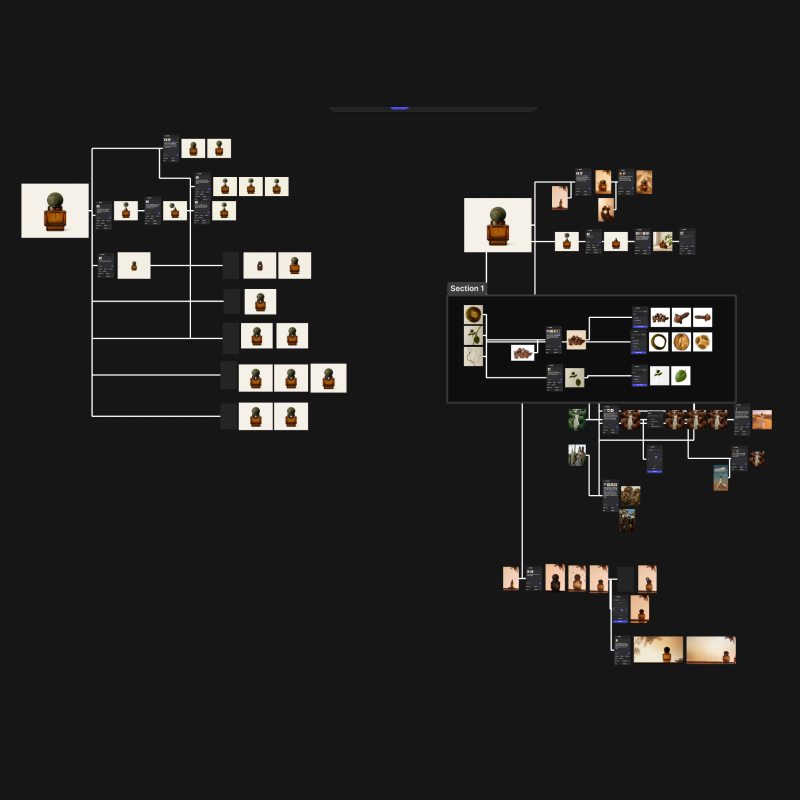
This activity focused on defining the project topic and creating all visual assets for the website. I chose to redesign a landing page for Aesop's Tacit Perfume and used Vizcom to design a brand new packaging concept from scratch, iterating through different variations using AI prompting. I also experimented with 3D model generation in both Vizcom and Meshy AI, ultimately moving forward with the Meshy AI output given the time constraints.
Activity 2
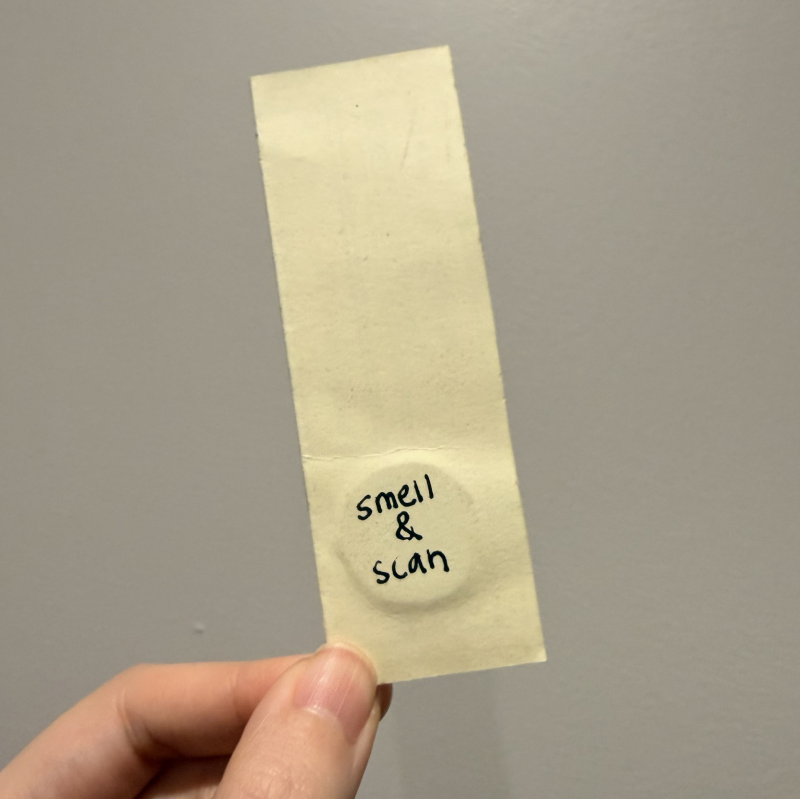
This activity covered the full design and development process. I used Claude Code and its Skills feature to generate an initial responsive UI, transferred it into Figma using Figma MCP, and then manually redesigned the layout to add more personality and better incorporate the Vizcom assets. I then used Claude Code to build the final website, troubleshooting issues along the way, and embedded the 3D model through Spline. I also explored NFC chips as a creative marketing extension for the perfume sample.
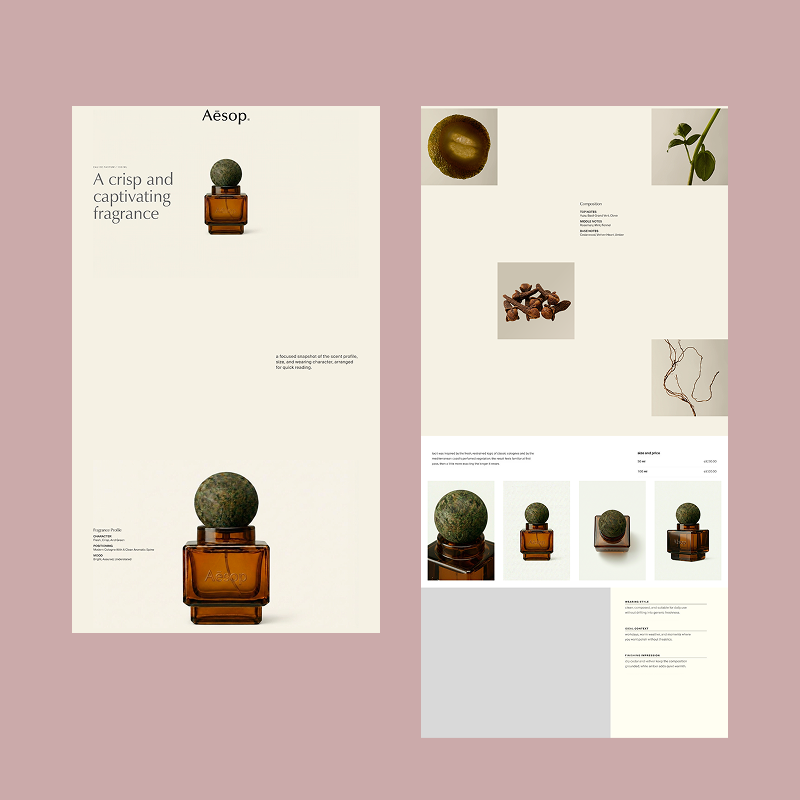
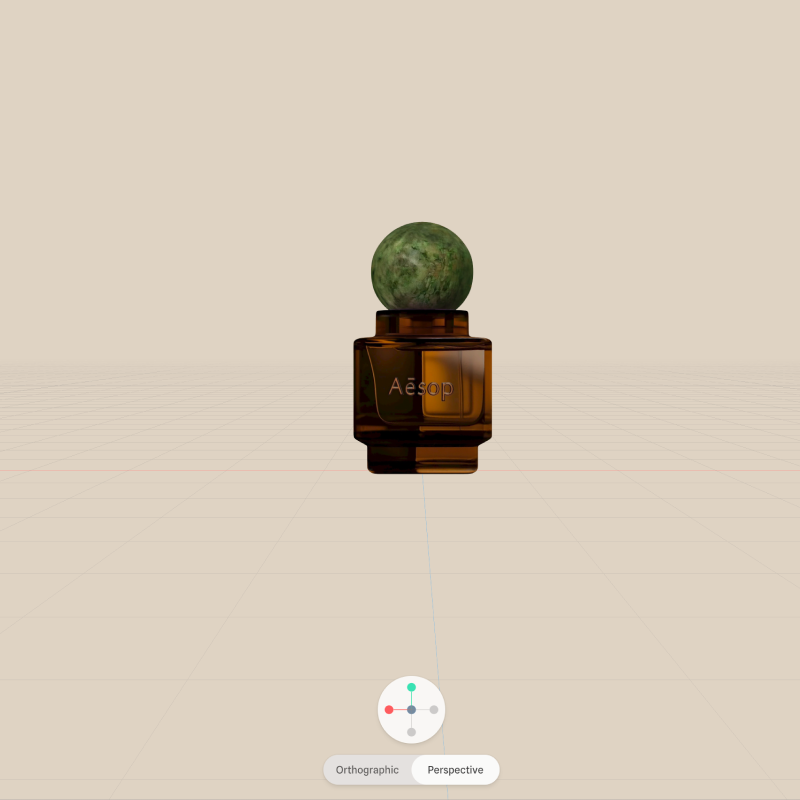
Project 3: Product
A redesigned landing page concept for Aesop's perfume line, built as a scrollytelling experience that combines 3D interaction, video animation, and immersive visual storytelling. The page features a custom-designed perfume bottle, concepted and visualized using Vizcom and brought to life as a 3D model through Meshy AI and Spline. Scroll-based interactions are powered by GSAP, creating a smooth and cinematic browsing experience. The design reflects Aesop's high-end brand identity, prioritizing a natural, understated aesthetic over traditional loud marketing. The project was designed in Figma and developed with the support of Claude Code, Figma MCP, and a custom Claude Skills setup to empower the workflow.